Activate your license
Add your key in four steps
Your license key is in the email from your purchase. It takes about a minute.
01
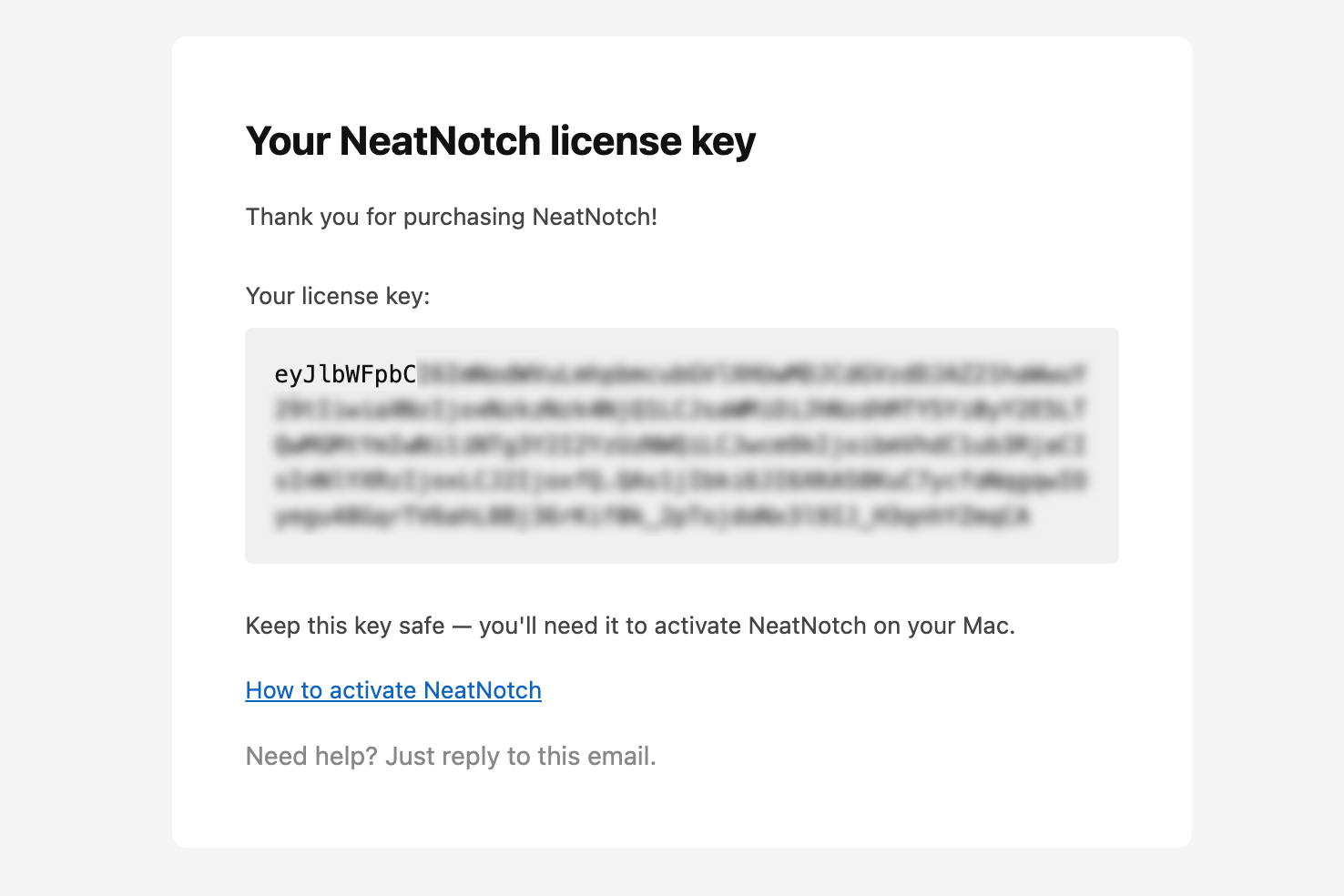
Copy your license key
Open the "Your NeatNotch license key" email from your purchase and copy everything in the grey box. The key is long, so make sure you select all of it.
02
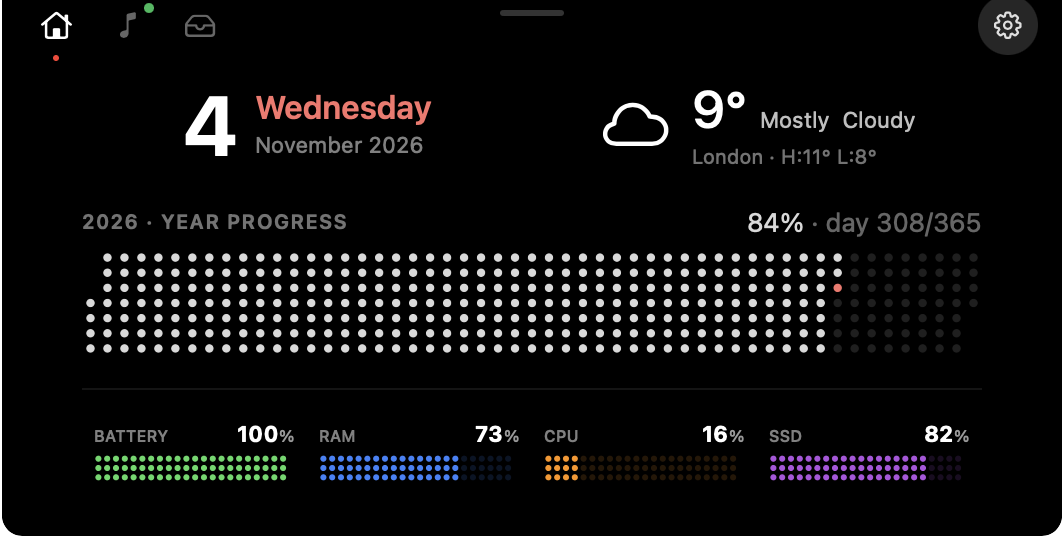
Open NeatNotch settings
Hover over the notch to expand it, then click the gear icon in the top right.
03
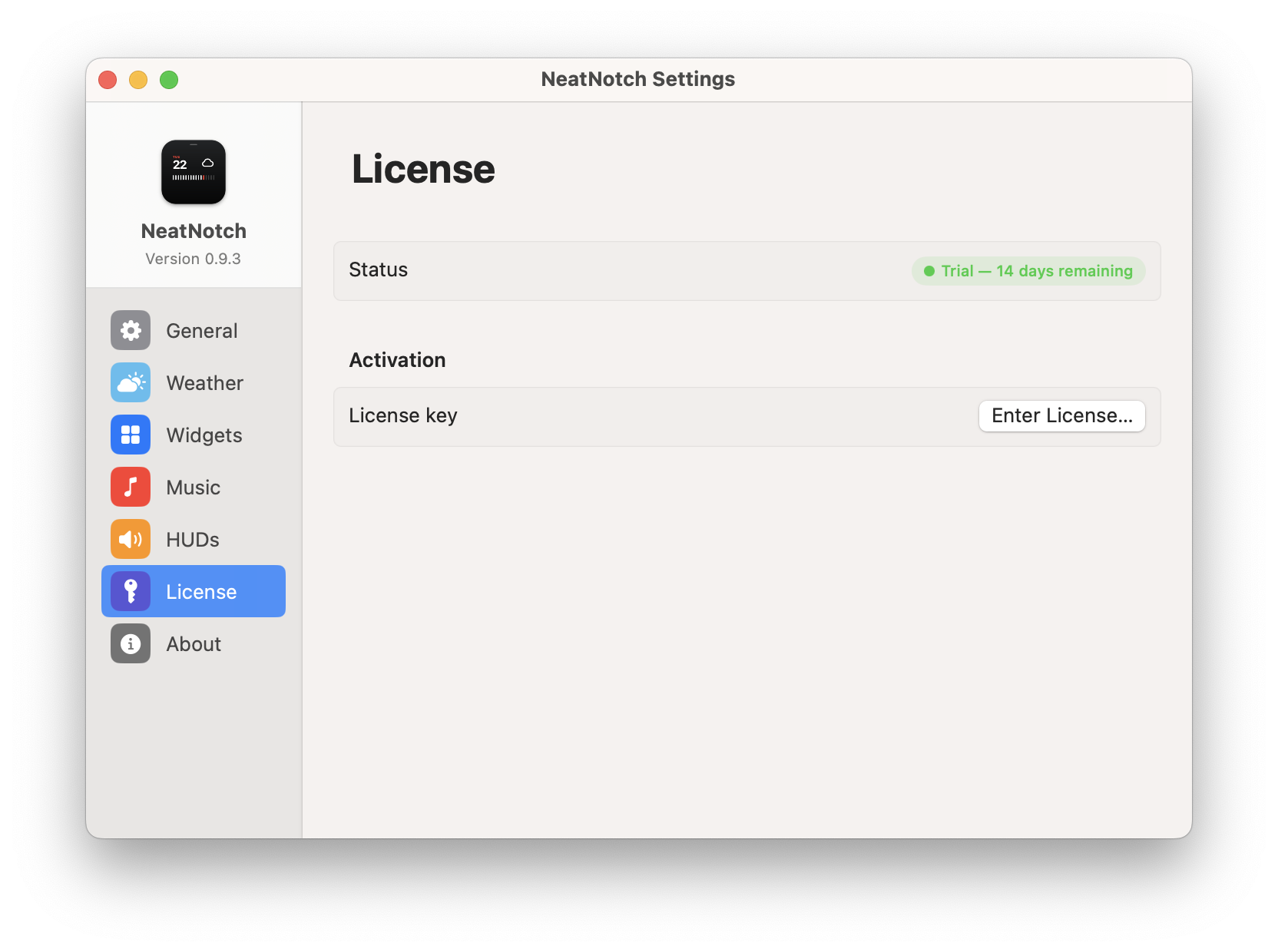
Go to License
Choose License in the sidebar, then click Enter License…
04
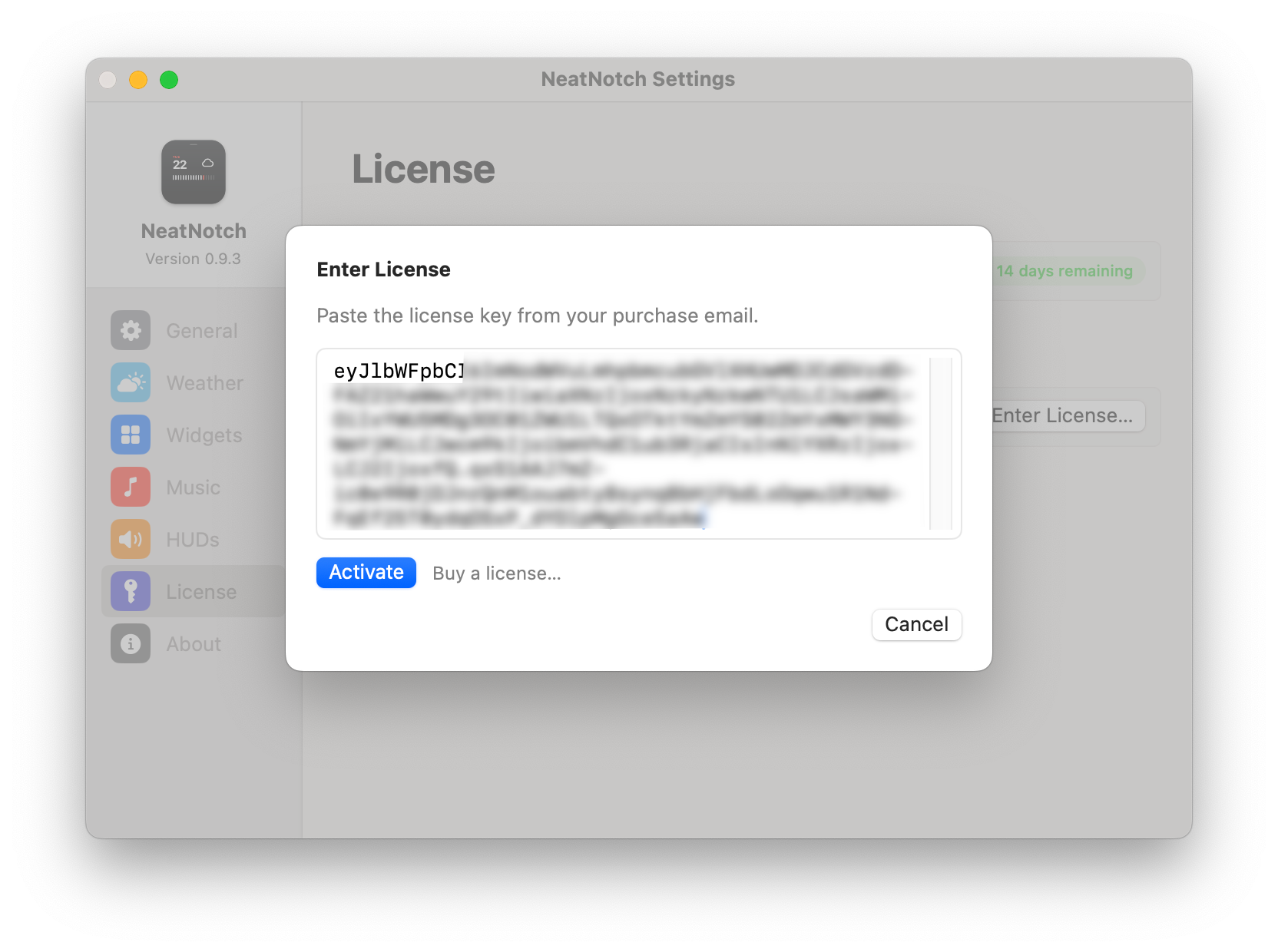
Paste your key and activate
Paste the key into the box and click Activate.
That's it
The status changes from Trial to licensed. Your layout and settings stay exactly as they were.
Key not working? Reply to your license email or write to hello@neatnotch.app.